Create & Edit Task Requirements
Create & Edit Task Requirements
Select [Task Manager] from the Main Menu icons. Select Create & Edit Task Requirements.
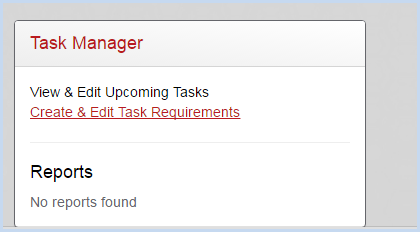
- This opens the Task Requirement screen.
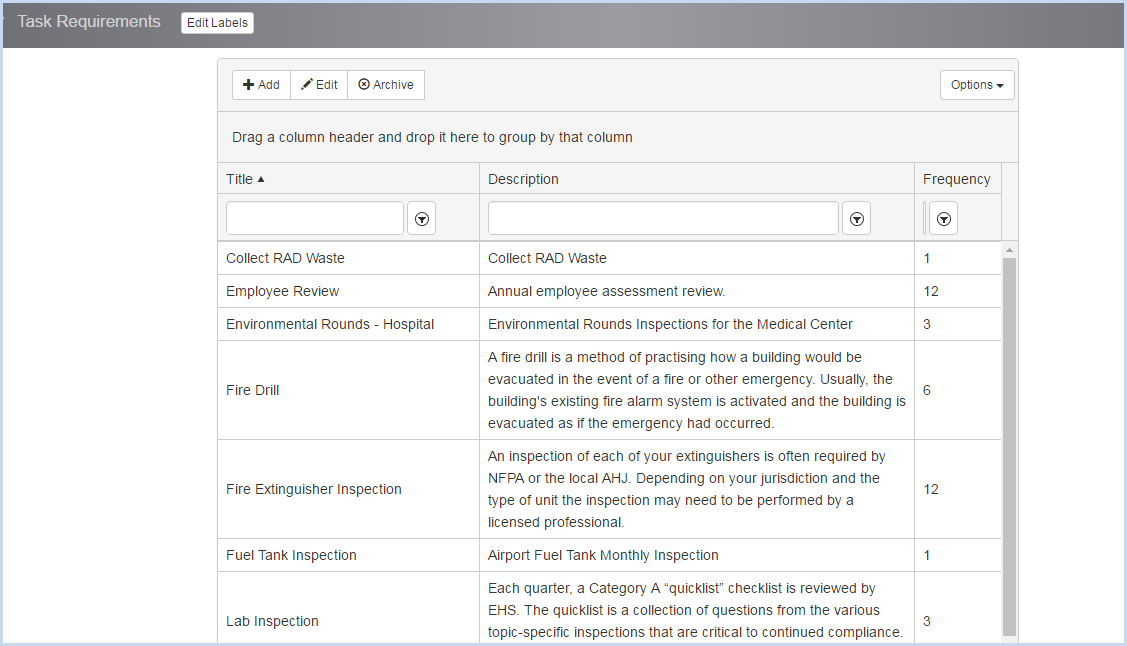
- Click [Add] to add a new task, or highlight an existing task to and click [Edit] to make changes.
- Enter the Title, Description and Frequency for the task. All are required fields.
- Select the Frequency unit (Month, Day, Week) from the dropdown list.
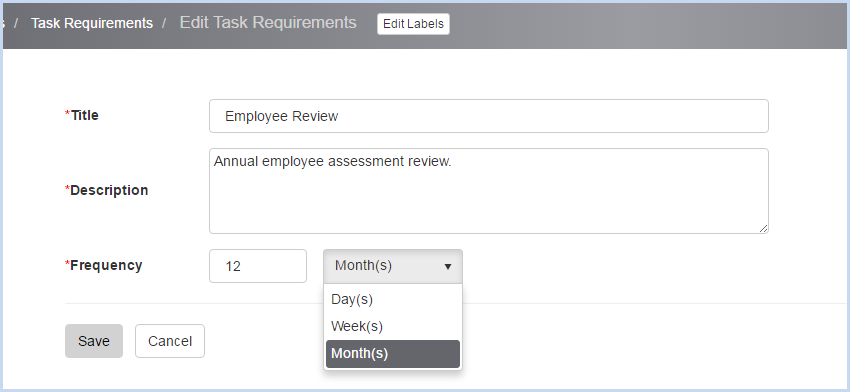
- Click [Save] to save entry/edit, or [Cancel] to discard changes.