View & Edit Upcoming Tasks
View & Edit Upcoming Tasks
Select [Task Manager] from the Main Menu icons. Select View & Edit Upcoming Tasks.
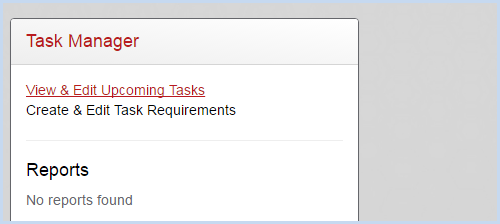
- This opens the Task List screen as shown below.
- Tasks highlighted in Red are past due, Yellow are due in less than 30 days, and Green are due in more than 30 days.
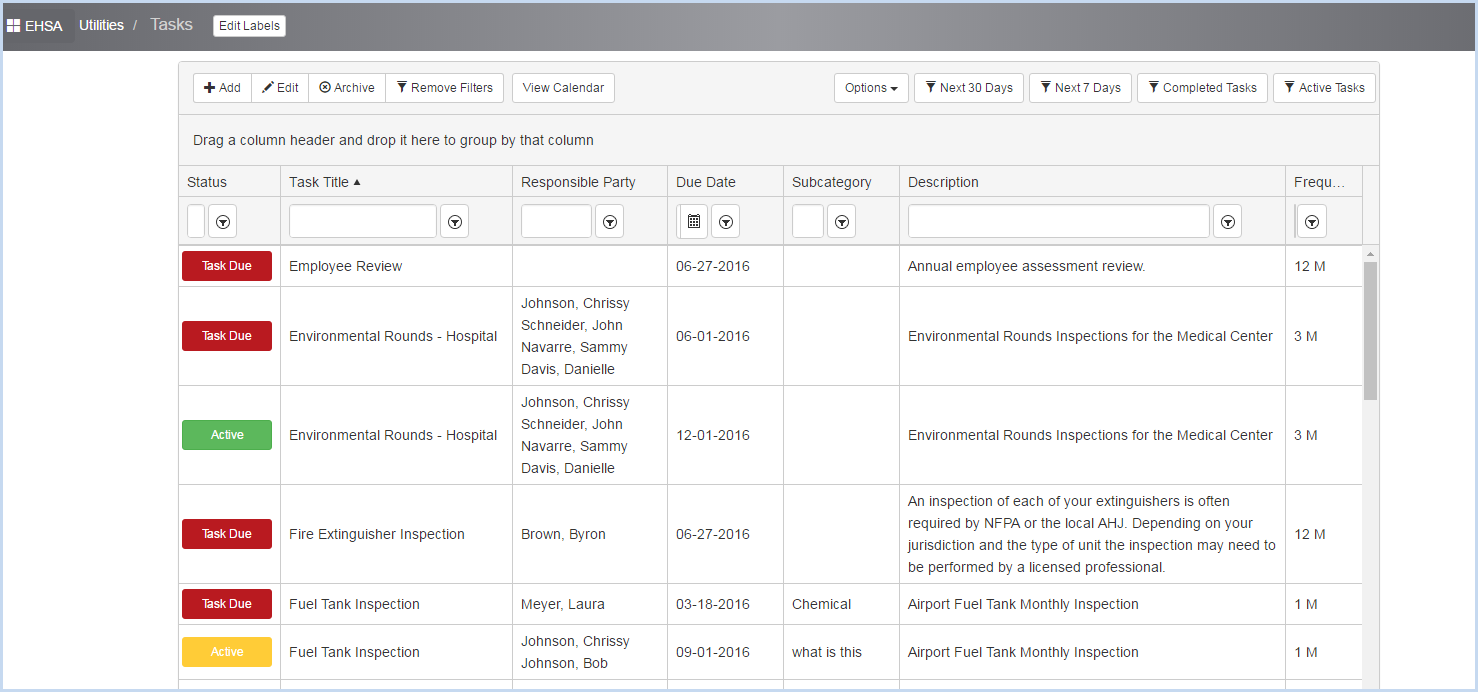
- Use the filter options to view tasks due in [Next 30 days], [Next 7 days], etc.

- Highlight a task and click the [Edit] button to make any modifications.