Meter Dashboard
Meter Dashboard
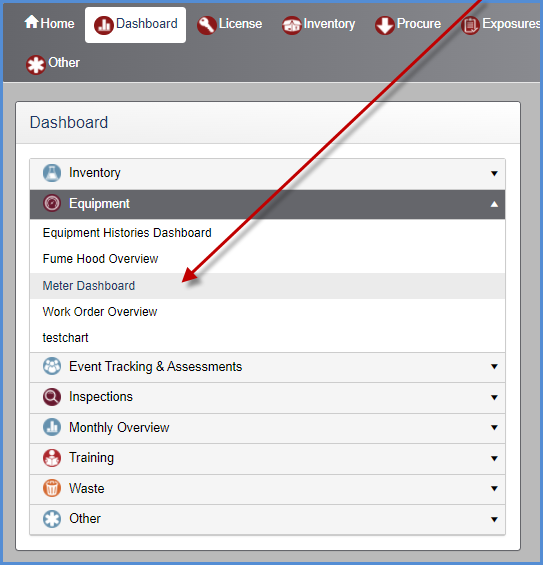
Select the Meter Dashboard from the Equipment Dashboard categories.
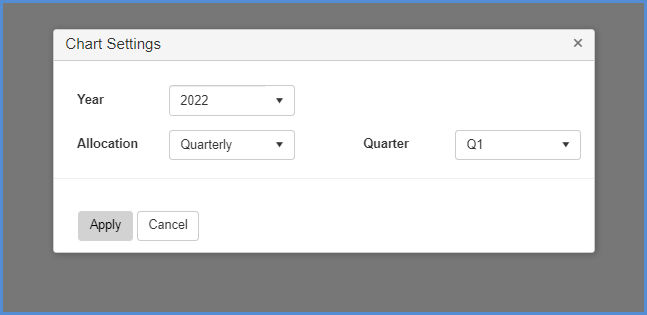
- The Meter Dashboard prompts the user to enter setting before clicking [Apply] to view results.
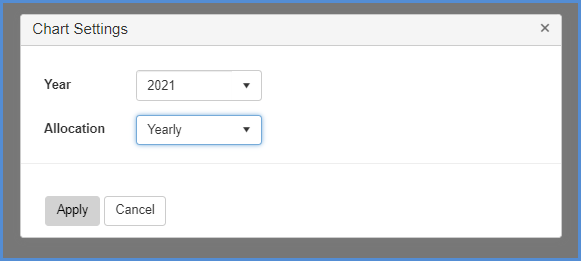
- Here is example of settings for the Year 2021.
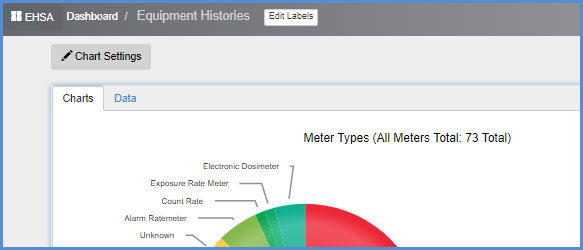
- The results are displayed below.
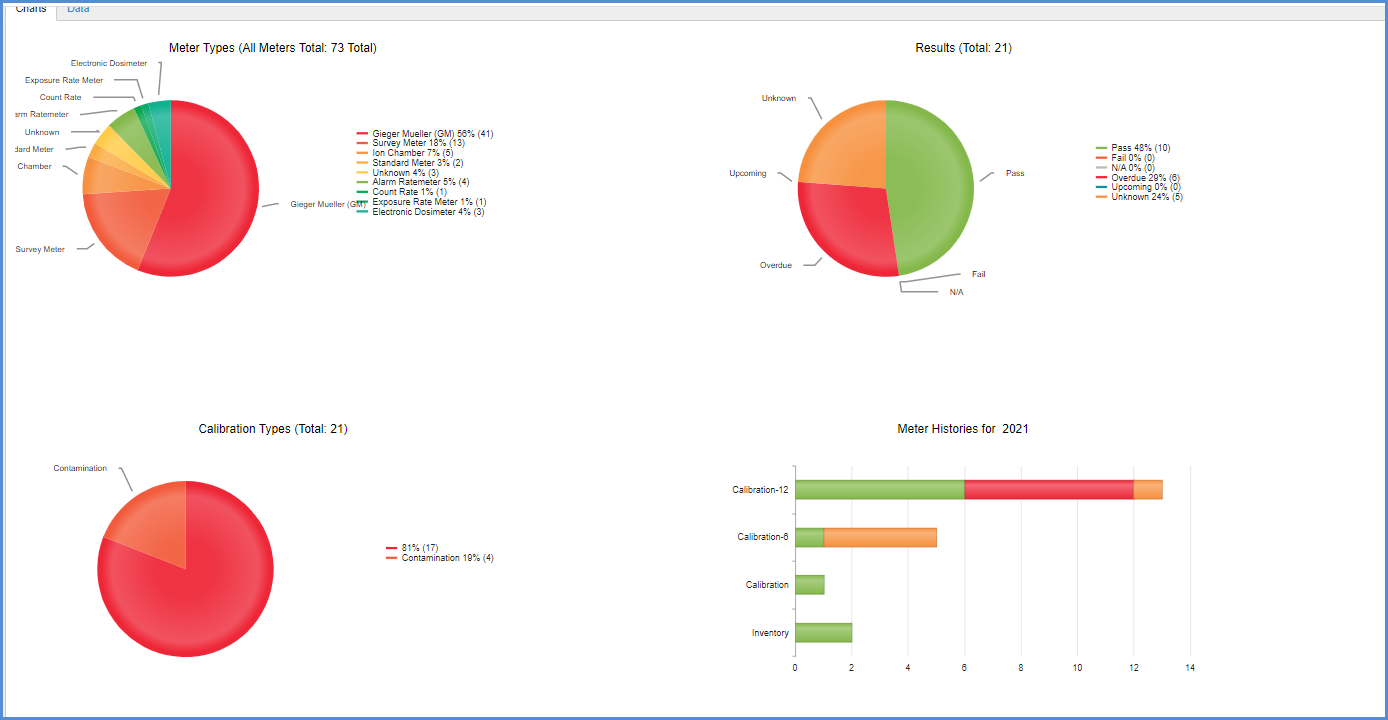
- Users can toggle between the Charts and Data tabs.
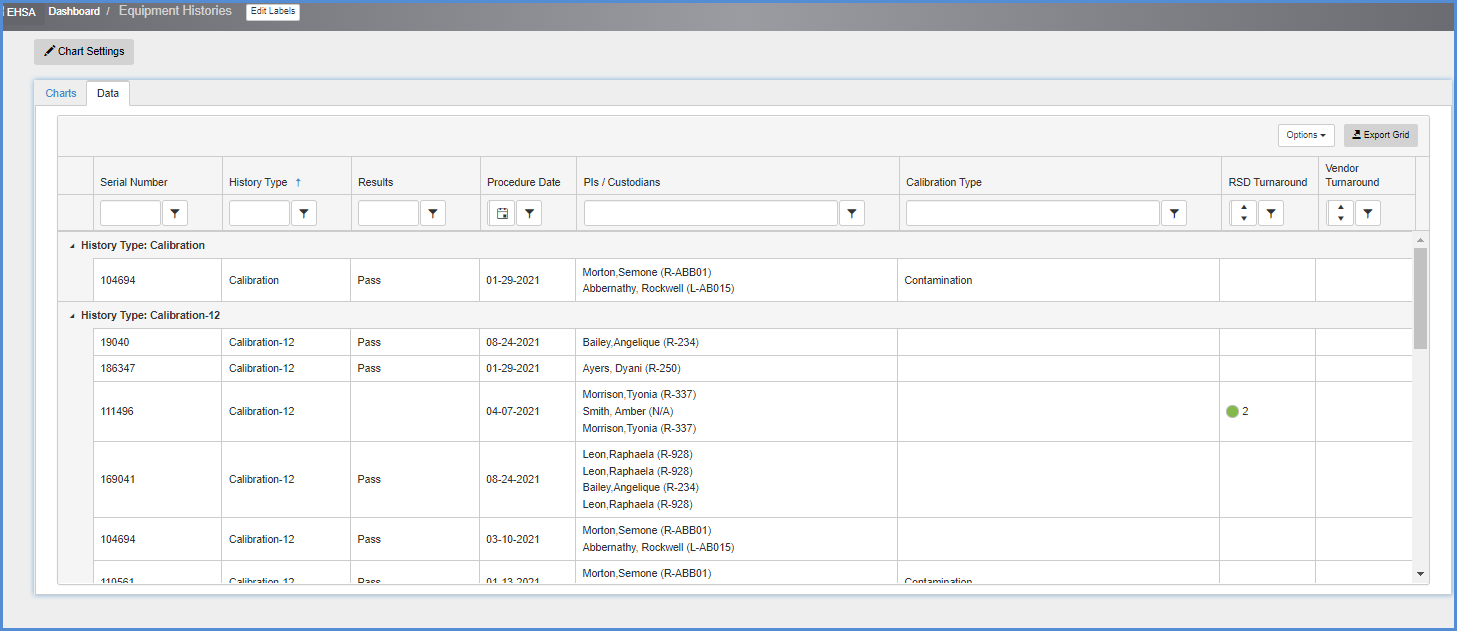
- Clicking the Data tab will show the data in grid views.
- The data can be sorted or filtered as in EHSA list views thoughtout the applicaiton.
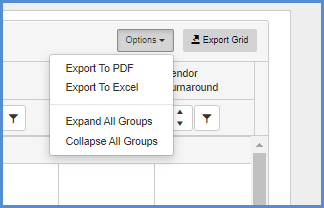
- Users can also export the data on screen.
- Click the Chart Settings button to go back and enter different date criteria for viewing.