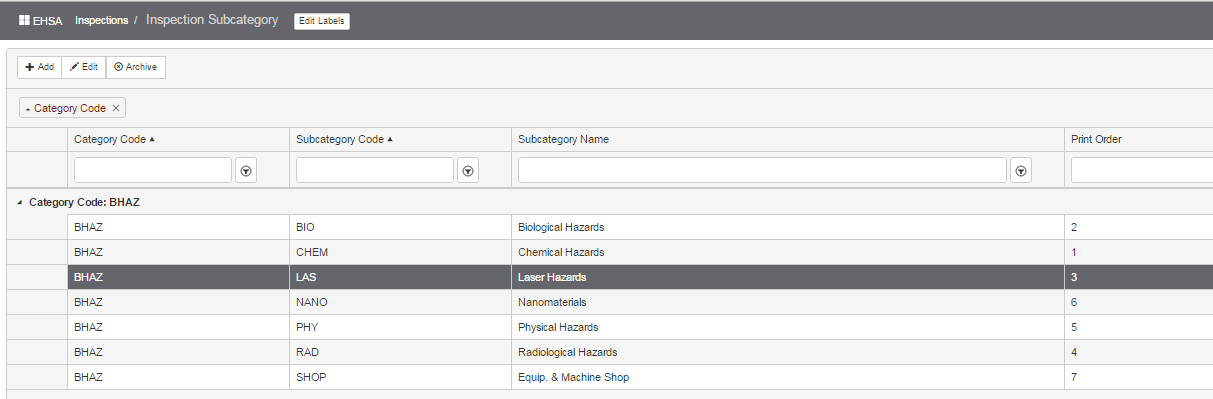
Inspection Sub-Categories
Inspection Sub-Categories
Enter or edit sub-categories within an Inspection Category. Print order is used to determine the display of sub-categories and print order of sub-categories within reports.
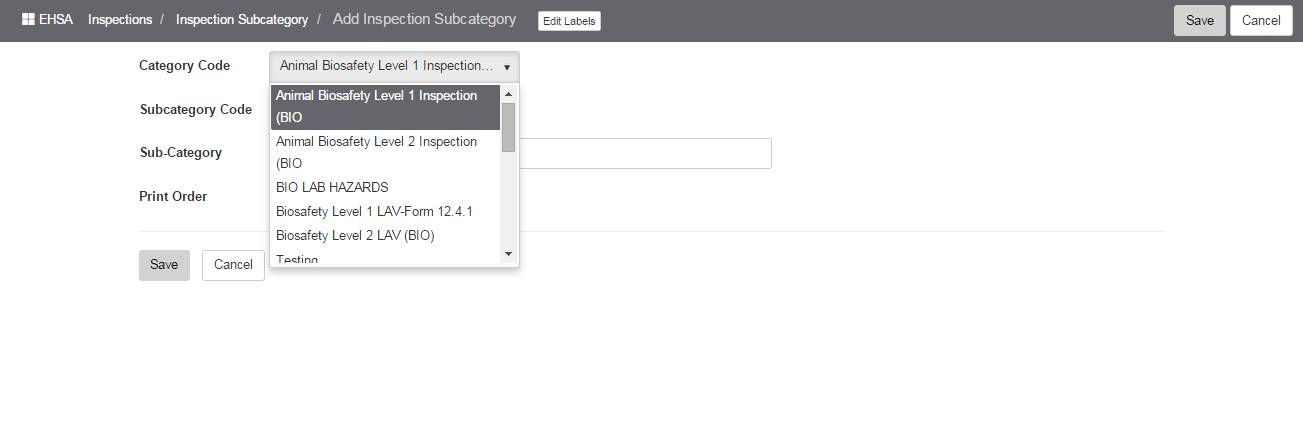
Click [Add] to add a new sub-category. Select the Category Code from the dropdown list.
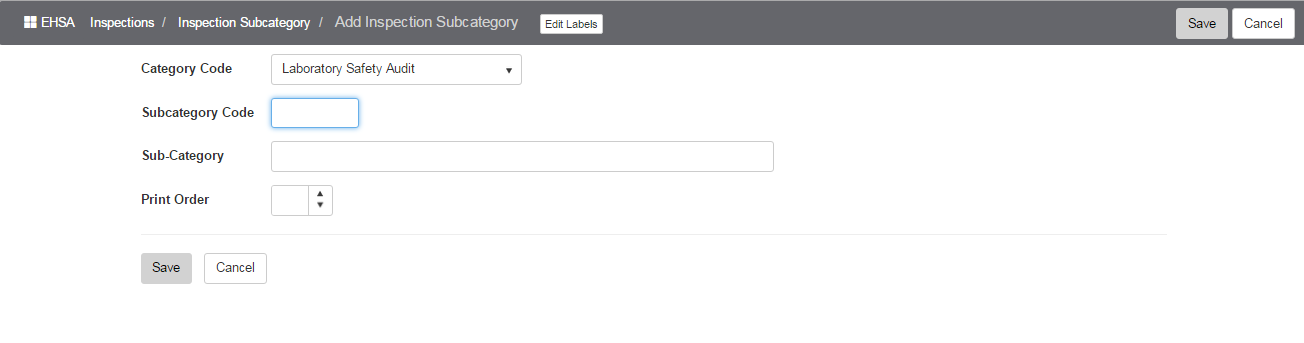
Next, enter the Subcategory Code and Print Order:
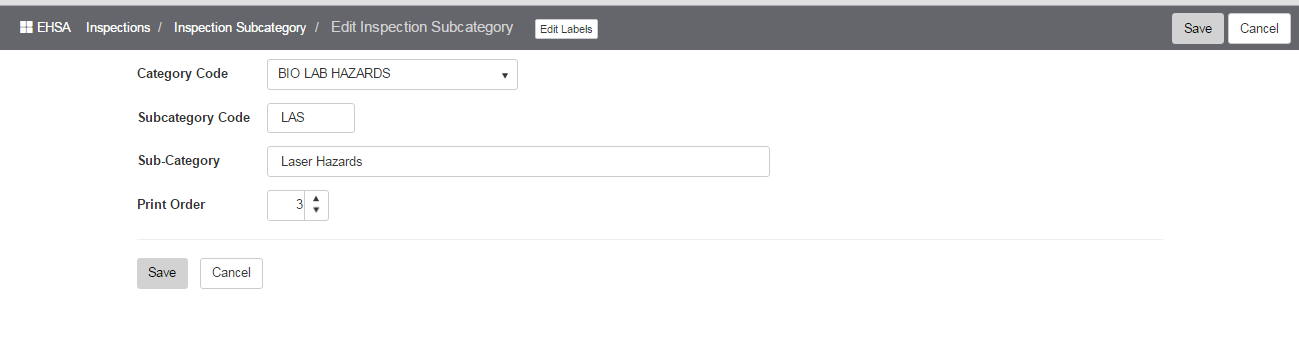
Editing an Inspection Subcategory – modify the Sub-category fields as needed.